
Add content to your LinkBossPro Biolink page (1st steps, a basic guide)
Add content to your LinkBossPro Biolink page After completing up the page settings you are now ready to add content


Add content to your LinkBossPro Biolink page After completing up the page settings you are now ready to add content

How to add a password to enable page protection When you are in the process of developing your page, you

Facebook Pixel & Google Analytics You can add and get detailed analytics with Facebook pixel and Google analytics to increase
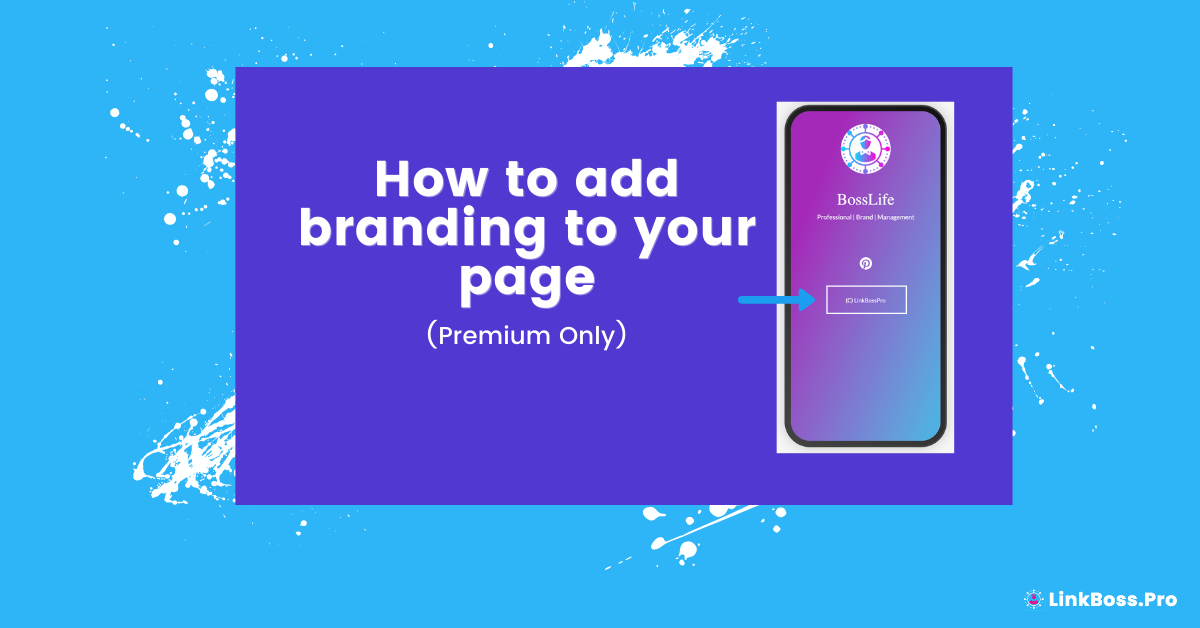
How to add branding to your Biolink page. To add branding to your Biolink page, you can first select the

Customize your LinkBossPro Biolink page, add a title, description and background. You can easily personalise the title of your LinkBossPro

Start now to Create your first LinkBossPro Biolink page Firstly, welcome to the LinkBossPro team. By now you have successfully

This article will guide you on how to login to your LinkBossPro account. First, you will need to open the LinkBossPro


